Anvay Ajmera's Journal Activity
Anvay Ajmera's Projects
a
a
5 views
0 followers
CosmicWatch TechRise Project
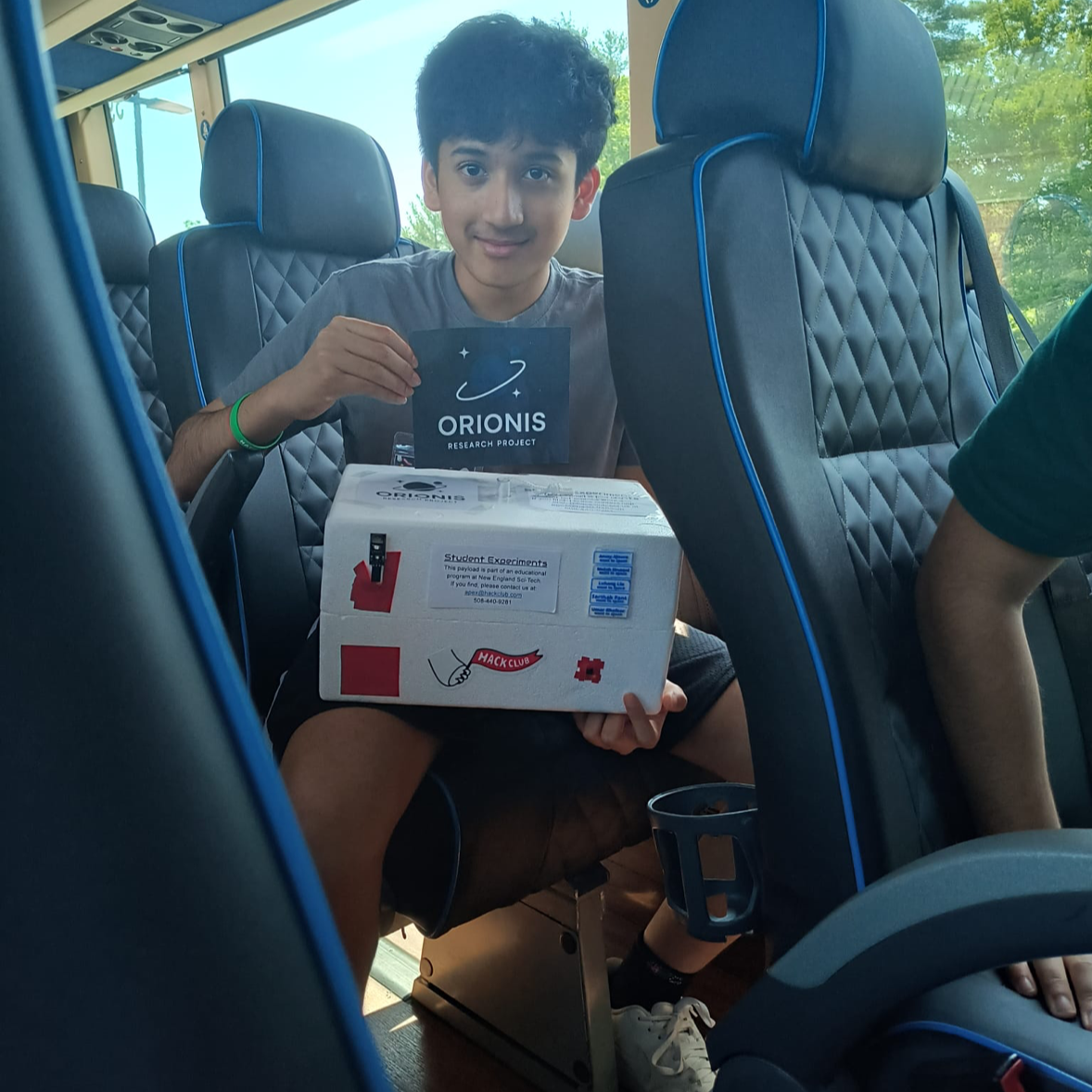
Update: Electronics are purchased thru LCSC, external materials & cables are bought on amazon (as recommended by professor), and PCC/acrylic/wireless connector is bought on Elecrow. Our project will include 2 methods for detecting ionizing radiation from the sun. We will have CosmicWatch detectors (initially prototyped by MIT researchers) as the main detection method. One stays as a control. We wish to submit our proposal to NASA TechRise later, with a prototype built with $200 grant. There are two versions we want to make in the CAD, however: Version 1: Designed for a Styrofoam box for a self-planned HAB flight, in case we don't win TechRise Version 2: Designed under the specifications of the TechRise box if we do get selected
27 views
0 followers
RoboCup Junior Rescue Line Robot
Description: Hey! Our team of 3 (with me submitting) will spend this school year working on a robot for RoboCup Junior's Rescue Line challenge. Our competition will take place in April, and our goal is to secure first place, allowing us to compete internationally at the RCJ 2026 event in South Korea. Here's a rough timeline for us so far: August: Planning Stage September–October: 3D Modeling October–December: Building January–April: Coding and Testing Why: We're interested in being involved with robotics without needing an FRC-level commitment, but without control over what gets done. RoboCup Junior is the perfect solution to this, as we can stay a team of 3, contribute to all parts of development, and focus our software on AI-powered models for line following and victim detection. We want to participate in Blueprint to secure funding for some of the components that go into making this robot, including motors, a Jetson Nano, batteries, and other external supplies. How: Our robot is specifically designed to be able to traverse the full RoboCup Junior Rescue Line map. To use the motors and various sensors on our robot, you have to turn on the main switch that gives power to the motors and Jetson Orin Nano. We extended the HDMI and USB hubs using extender cables to access them when the robot is fully built. From here, since we're using a Seeed Studio for PWM, the servos and motors can technically be accessed through VS Code on the Jetson interface. As for all of the sensors connected directly to its 40-pin header, those need to be accessed using terminal commands. We're working out a better solution soon to make this easier (all of us are still learning). How to build something like this yourself: This robot was definitely a complex process for us! If you want to make something like this yourself, you should first spend a good amount of time deciding what your robot should be capable of doing. From here, you can start designing a CAD model, which will take many, many iterations. If you did it in the first try, there's a very good chance that it can be made better. THat's why the 3D Modeling stage took a LOT of time for us, as we iterated, printed, tested, reprinted, and eventually got everything to work. Now for the fun part, you can physically build the robot once you printed all of your parts! This is where a BOM became very important for us, as we needed to track how we would split the cost, how Blueprint would cover it, and what we recieved and what we have left to buy. Once you get all your parts, you can start making a basic wiring diagram to see how you will connect everything together, to avoid making a mistake and then having to restart. It will take a while to go through the building process, making sure each joint is perfect, testing continuity, perhaps remaking a CAD model if something goes wrong, and finding the best way to organize parts and wires. We had a giant Jetson Orin Nano at the center of our robot so it was especially hard for us. Finally, once the robot is done, you can start coding, and that's where we're at right now at the time of writing this!
84 views
0 followers